
TO SHOW SEPARATOR: Set class="d-block" on hr element
TO HIDE SEPARATOR: Set class="d-none" on hr element
TO EDIT SPACER: Change the class="spacer-3" to any number between 0 (none) and 5 (most) to resize a spacer. Ex. class="spacer-5"
Vertical spacers are responsive and 50% smaller on mobile than on tablet+.
Build excitement with a headline that's two lines
Talk about what attendees will get out of the event and what they’ll experience that they won’t get anywhere else.
Register Now
TO SHOW SEPARATOR: Set class="d-block" on hr element
TO HIDE SEPARATOR: Set class="d-none" on hr element
TO EDIT SPACER: Change the class="spacer-3" to any number between 0 (none) and 5 (most) to resize a spacer. Ex. class="spacer-5"
Vertical spacers are responsive and 50% smaller on mobile than on tablet+.
TO SHOW SEPARATOR: Set class="d-block" on hr element
TO HIDE SEPARATOR: Set class="d-none" on hr element
TO EDIT SPACER: Change the class="spacer-3" to any number between 0 (none) and 5 (most) to resize a spacer. Ex. class="spacer-5"
Vertical spacers are responsive and 50% smaller on mobile than on tablet+.

Webinar
Understanding and Managing Gen Z Renter Expectations and Outcomes
Explore how immersive 3D digital twins improve transparency, speed decisions, and drive better renter experiences.
TO EDIT: Change the class="spacer-3" to any number between 0 (none) and 5 (most) to resize a spacer. Ex. class="spacer-5"
Vertical spacers are responsive and 50% smaller on mobile than on tablet+.
TO SHOW SEPARATOR: Set class="d-block" on hr element
TO HIDE SEPARATOR: Set class="d-none" on hr element
TO EDIT SPACER: Change the class="spacer-3" to any number between 0 (none) and 5 (most) to resize a spacer. Ex. class="spacer-5"
Vertical spacers are responsive and 50% smaller on mobile than on tablet+.
Tuesday, January 27th
 8:30 am PT | 11:30 am ET
Gen Z renters expect clarity, speed, and confidence before they ever step on-site. They evaluate properties digitally first, demand visual accuracy, and move quickly when experiences feel modern, transparent, and aligned with their lifestyle values.
Matterport Digital Twins provide a globally accessible digital record of every property, creating a single, standardized source of truth across your property portfolio. Combined with Apartments.com’s renter insights and social expertise, this unified approach helps teams align marketing, leasing, and operations to improve renter outcomes.
With photorealistic, dimensionally accurate 3D and AI-powered insights, teams can showcase spaces exactly as they exist, reduce friction in the renter journey, and accelerate decision-making—internally and for Gen Z renters evaluating options online.
Join this webinar to learn how leading property and marketing teams are adapting to Gen Z expectations, reducing inefficiencies, and using immersive digital experiences to drive better leasing outcomes.
Register today.
Meet the team

Chris Hood
Sr. Director of Marketing,
Apartments.com

Erica Byrum
AVP of Social Media,
Apartments.com

Amir Frank
Senior Evangelist,
Matterport

Bernard Camarao
Multifamily Product Marketing Director,
Matterport

Daniel Fellars
Account Director,
Matterport
TO EDIT: Change the class="spacer-3" to any number between 0 (none) and 5 (most) to resize a spacer. Ex. class="spacer-5"
Vertical spacers are responsive and 50% smaller on mobile than on tablet+.
TO SHOW SEPARATOR: Set class="d-block" on hr element
TO HIDE SEPARATOR: Set class="d-none" on hr element
TO EDIT SPACER: Change the class="spacer-3" to any number between 0 (none) and 5 (most) to resize a spacer. Ex. class="spacer-5"
Vertical spacers are responsive and 50% smaller on mobile than on tablet+.
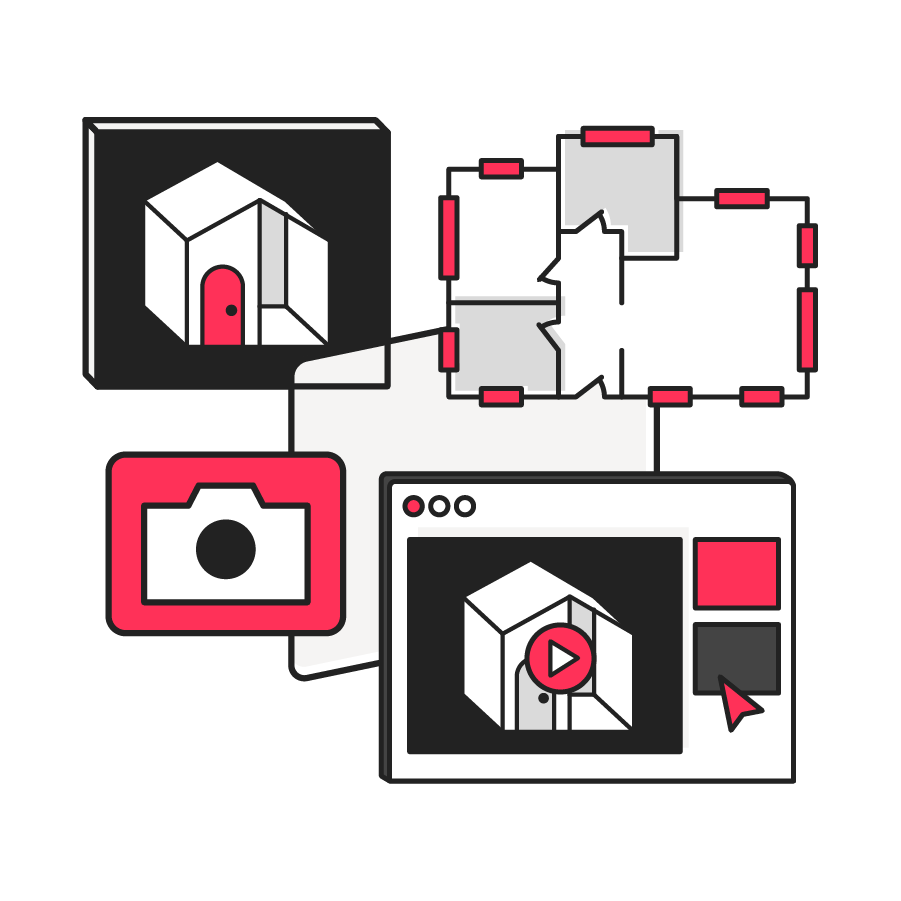
Digital record of property portfolio assets
Matterport enables global portfolio visibility through standardized digital twins that provide a unified, scalable way to document and manage all corporate assets.
Make better decisions faster
Walk, measure, and plan instantly from anywhere in the world with dimensionally accurate 3D and AI-powered insights. This reduces delays for both internal teams and prospective renters.

Cut costs, not corners
Remote collaboration and fewer site visits reduce rework, speed planning, and drive significant savings across facilities, design, and operations without compromising the renter experience.
TO EDIT: Change the class="spacer-3" to any number between 0 (none) and 5 (most) to resize a spacer. Ex. class="spacer-5"
Vertical spacers are responsive and 50% smaller on mobile than on tablet+.
TO SHOW SEPARATOR: Set class="d-block" on hr element
TO HIDE SEPARATOR: Set class="d-none" on hr element
TO EDIT SPACER: Change the class="spacer-3" to any number between 0 (none) and 5 (most) to resize a spacer. Ex. class="spacer-5"
Vertical spacers are responsive and 50% smaller on mobile than on tablet+.
TO EDIT: Change the class="spacer-3" to any number between 0 (none) and 5 (most) to resize a spacer. Ex. class="spacer-5"
Vertical spacers are responsive and 50% smaller on mobile than on tablet+.
 Thank you for registering
We’ll be in touch soon. In the meantime, learn more about Matterport’s 3D spatial property management solutions.
Explore 3D Digital Twins
Matterport for Multi-family
For more information on how we process your data and the information you may receive, please visit our Privacy Policy.

©
Matterport, LLC. All rights reserved.
Matterport, 3D Showcase, Mattertag, and Virtual Walkthrough are registered trademarks of Matterport, LLC. Terms, conditions, features, support, pricing and service options are subject to change without notice. Trademarks and service marks are the property of Matterport, LLC. All rights reserved.