
TO SHOW SEPARATOR: Set class="d-block" on hr element
TO HIDE SEPARATOR: Set class="d-none" on hr element
TO EDIT SPACER: Change the class="spacer-3" to any number between 0 (none) and 5 (most) to resize a spacer. Ex. class="spacer-5"
Vertical spacers are responsive and 50% smaller on mobile than on tablet+.
Accelerate
multi-family leasing and maintenance cycles.
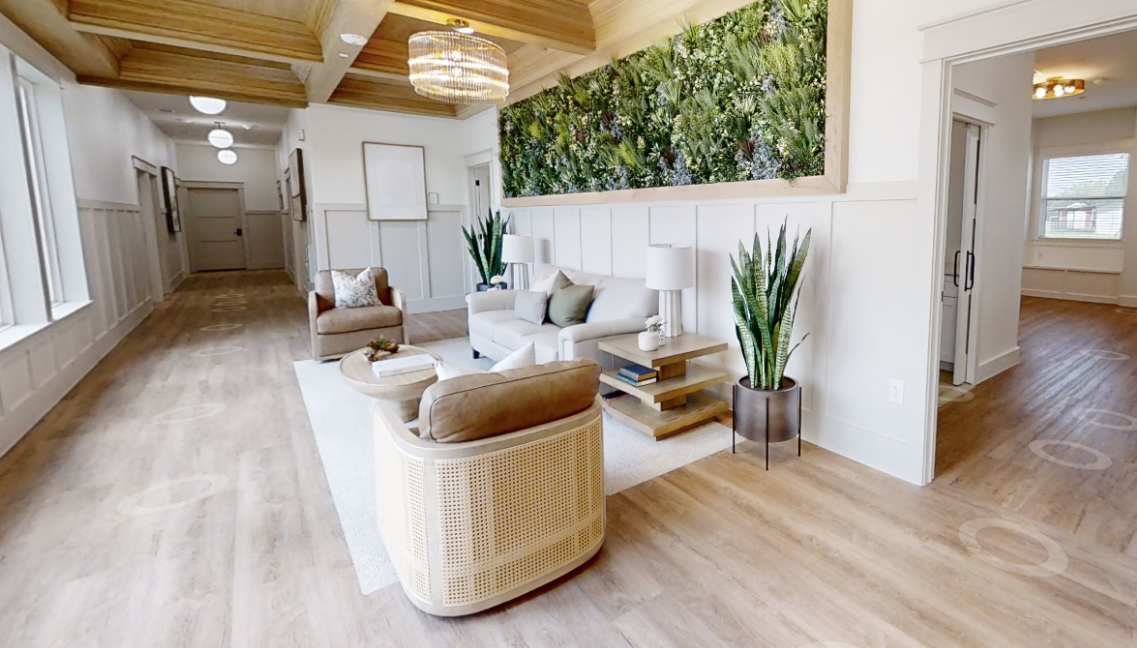
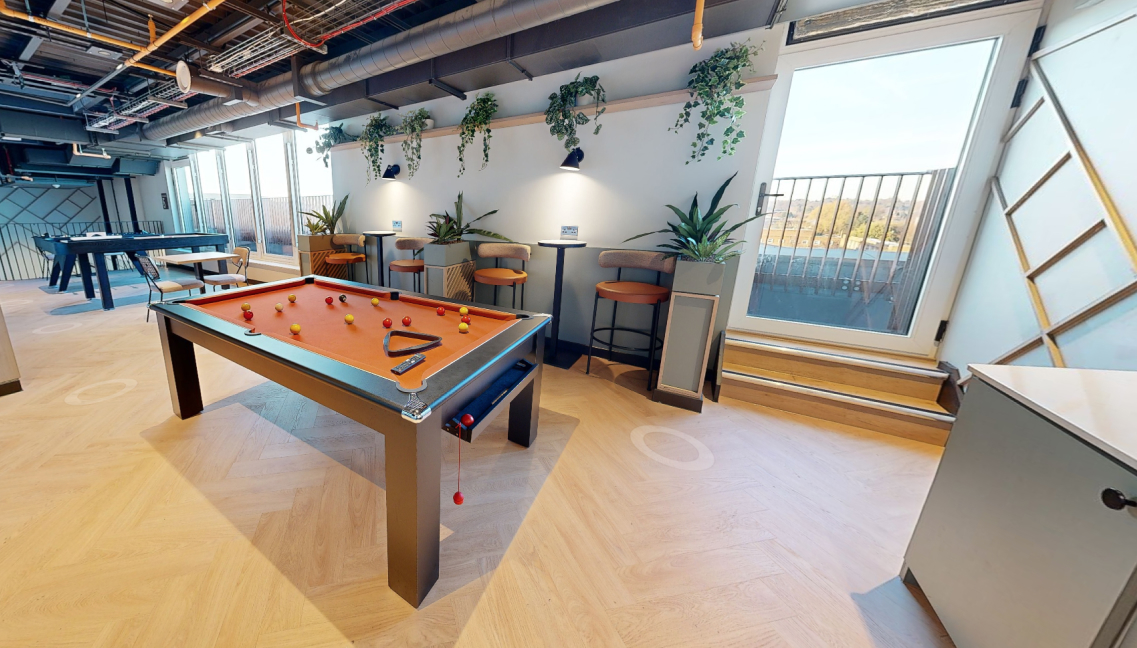
Matterport empowers multi-family community managers with easy-to-use 3D tools to streamline operations and increase lease conversions.
Contact Sales
Submit form or call +1 (888) 993-8990
TO SHOW SEPARATOR: Set class="d-block" on hr element
TO HIDE SEPARATOR: Set class="d-none" on hr element
TO EDIT SPACER: Change the class="spacer-3" to any number between 0 (none) and 5 (most) to resize a spacer. Ex. class="spacer-5"
Vertical spacers are responsive and 50% smaller on mobile than on tablet+.
TO SHOW SEPARATOR: Set class="d-block" on hr element
TO HIDE SEPARATOR: Set class="d-none" on hr element
TO EDIT SPACER: Change the class="spacer-3" to any number between 0 (none) and 5 (most) to resize a spacer. Ex. class="spacer-5"
Vertical spacers are responsive and 50% smaller on mobile than on tablet+.
Simplify operations at every step.
TO EDIT: Change the class="spacer-3" to any number between 0 (none) and 5 (most) to resize a spacer. Ex. class="spacer-5"
Vertical spacers are responsive and 50% smaller on mobile than on tablet+.
TO SHOW SEPARATOR: Set class="d-block" on hr element
TO HIDE SEPARATOR: Set class="d-none" on hr element
TO EDIT SPACER: Change the class="spacer-3" to any number between 0 (none) and 5 (most) to resize a spacer. Ex. class="spacer-5"
Vertical spacers are responsive and 50% smaller on mobile than on tablet+.
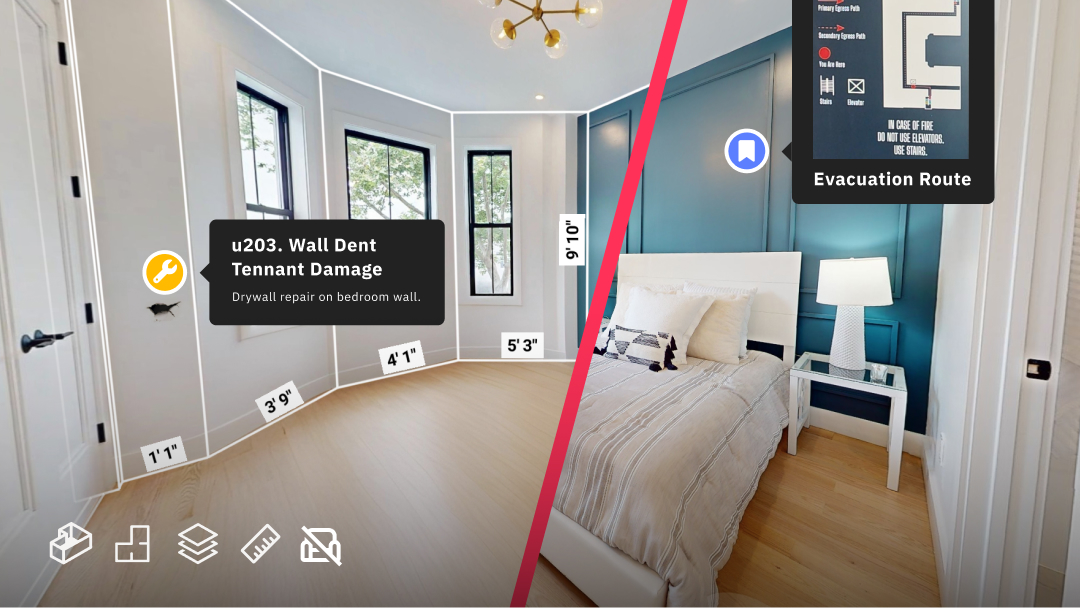
Expedite resident turnover.
Speed up the move-in, move-out process with precise visual data showing the unit’s condition at different stages.
TO EDIT: Change the class="spacer-3" to any number between 0 (none) and 5 (most) to resize a spacer. Ex. class="spacer-5"
Vertical spacers are responsive and 50% smaller on mobile than on tablet+.
TO SHOW SEPARATOR: Set class="d-block" on hr element
TO HIDE SEPARATOR: Set class="d-none" on hr element
TO EDIT SPACER: Change the class="spacer-3" to any number between 0 (none) and 5 (most) to resize a spacer. Ex. class="spacer-5"
Vertical spacers are responsive and 50% smaller on mobile than on tablet+.
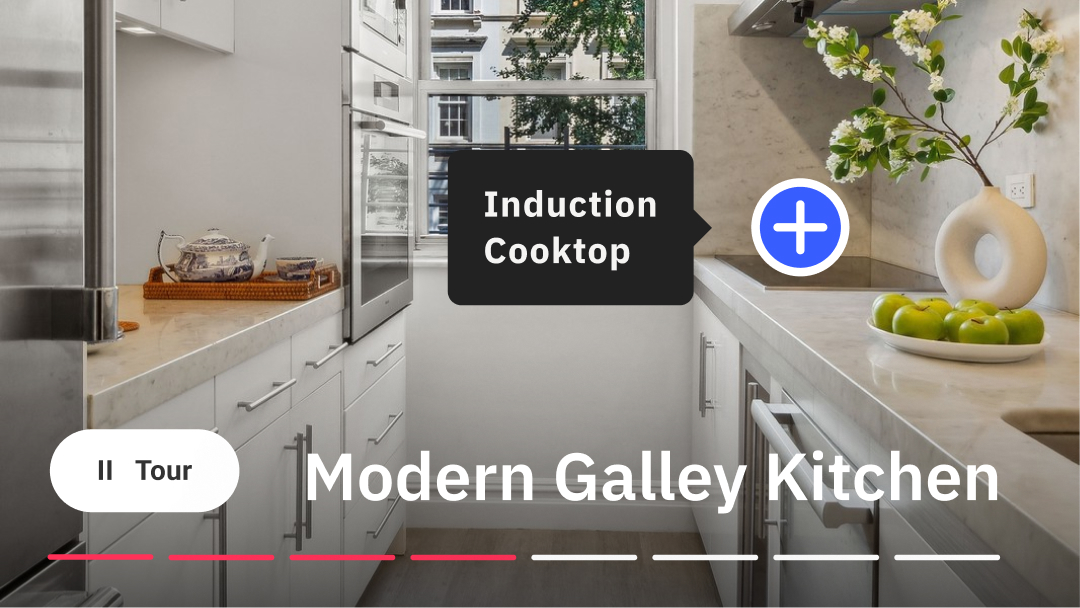
Reduce on-site open house inefficiency.
Skip scheduling mishaps from in-person open houses and make property listings available to view 24/7 with visually immersive virtual tours.
TO EDIT: Change the class="spacer-3" to any number between 0 (none) and 5 (most) to resize a spacer. Ex. class="spacer-5"
Vertical spacers are responsive and 50% smaller on mobile than on tablet+.
TO SHOW SEPARATOR: Set class="d-block" on hr element
TO HIDE SEPARATOR: Set class="d-none" on hr element
TO EDIT SPACER: Change the class="spacer-3" to any number between 0 (none) and 5 (most) to resize a spacer. Ex. class="spacer-5"
Vertical spacers are responsive and 50% smaller on mobile than on tablet+.
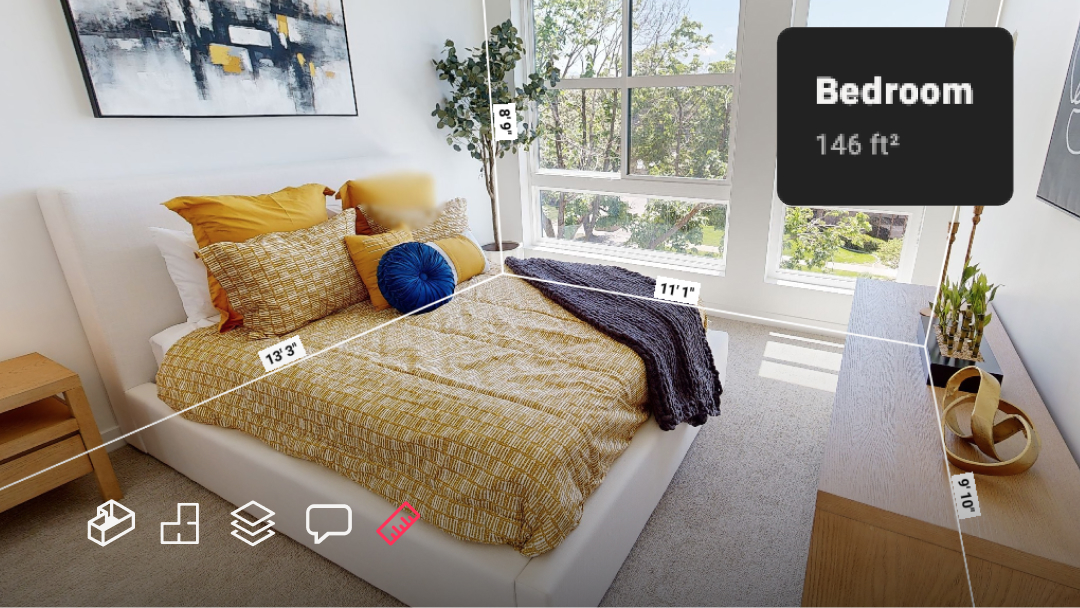
Solve operational headaches.
Use powerful features like instant measurements, virtual defurnishing, and more to streamline productivity and show progress to stakeholders.
TO EDIT: Change the class="spacer-3" to any number between 0 (none) and 5 (most) to resize a spacer. Ex. class="spacer-5"
Vertical spacers are responsive and 50% smaller on mobile than on tablet+.
TO SHOW SEPARATOR: Set class="d-block" on hr element
TO HIDE SEPARATOR: Set class="d-none" on hr element
TO EDIT SPACER: Change the class="spacer-3" to any number between 0 (none) and 5 (most) to resize a spacer. Ex. class="spacer-5"
Vertical spacers are responsive and 50% smaller on mobile than on tablet+.
TO EDIT: Change the class="spacer-3" to any number between 0 (none) and 5 (most) to resize a spacer. Ex. class="spacer-5"
Vertical spacers are responsive and 50% smaller on mobile than on tablet+.
TO SHOW SEPARATOR: Set class="d-block" on hr element
TO HIDE SEPARATOR: Set class="d-none" on hr element
TO EDIT SPACER: Change the class="spacer-3" to any number between 0 (none) and 5 (most) to resize a spacer. Ex. class="spacer-5"
Vertical spacers are responsive and 50% smaller on mobile than on tablet+.
TO EDIT: Change the class="spacer-3" to any number between 0 (none) and 5 (most) to resize a spacer. Ex. class="spacer-5"
Vertical spacers are responsive and 50% smaller on mobile than on tablet+.
TO SHOW SEPARATOR: Set class="d-block" on hr element
TO HIDE SEPARATOR: Set class="d-none" on hr element
TO EDIT SPACER: Change the class="spacer-3" to any number between 0 (none) and 5 (most) to resize a spacer. Ex. class="spacer-5"
Vertical spacers are responsive and 50% smaller on mobile than on tablet+.
Get Started Today
TO EDIT: Change the class="spacer-3" to any number between 0 (none) and 5 (most) to resize a spacer. Ex. class="spacer-5"
Vertical spacers are responsive and 50% smaller on mobile than on tablet+.

©
Matterport, LLC. All rights reserved.
Matterport, 3D Showcase, Mattertag, and Virtual Walkthrough are registered trademarks of Matterport, LLC. Terms, conditions, features, support, pricing and service options are subject to change without notice. Trademarks and service marks are the property of Matterport, LLC. All rights reserved.