
TO SHOW SEPARATOR: Set class="d-block" on hr element
TO HIDE SEPARATOR: Set class="d-none" on hr element
TO EDIT SPACER: Change the class="spacer-3" to any number between 0 (none) and 5 (most) to resize a spacer. Ex. class="spacer-5"
Vertical spacers are responsive and 50% smaller on mobile than on tablet+.
Build excitement with a headline that's two lines
Talk about what attendees will get out of the event and what they’ll experience that they won’t get anywhere else.
Register Now
TO SHOW SEPARATOR: Set class="d-block" on hr element
TO HIDE SEPARATOR: Set class="d-none" on hr element
TO EDIT SPACER: Change the class="spacer-3" to any number between 0 (none) and 5 (most) to resize a spacer. Ex. class="spacer-5"
Vertical spacers are responsive and 50% smaller on mobile than on tablet+.
TO SHOW SEPARATOR: Set class="d-block" on hr element
TO HIDE SEPARATOR: Set class="d-none" on hr element
TO EDIT SPACER: Change the class="spacer-3" to any number between 0 (none) and 5 (most) to resize a spacer. Ex. class="spacer-5"
Vertical spacers are responsive and 50% smaller on mobile than on tablet+.
Webinar
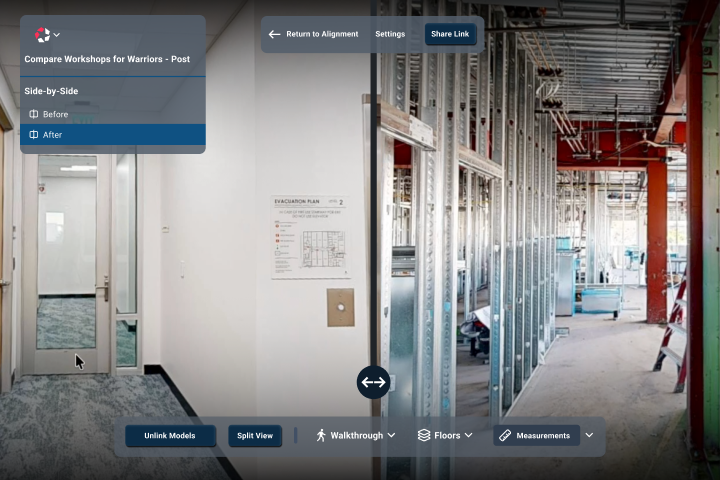
Multiple Scans, One View, Zero Guesswork
Virtually navigating multiple models in a synchronized side-by-side view.
TO EDIT: Change the class="spacer-3" to any number between 0 (none) and 5 (most) to resize a spacer. Ex. class="spacer-5"
Vertical spacers are responsive and 50% smaller on mobile than on tablet+.
TO SHOW SEPARATOR: Set class="d-block" on hr element
TO HIDE SEPARATOR: Set class="d-none" on hr element
TO EDIT SPACER: Change the class="spacer-3" to any number between 0 (none) and 5 (most) to resize a spacer. Ex. class="spacer-5"
Vertical spacers are responsive and 50% smaller on mobile than on tablet+.
Wednesday, September 9th
 8:30 am PT | 11:30 am ET | 4:30 pm BST
Matterport Side-by-Side comparison puts two captures of the same space into one synchronized view.
AEC professionals can compare different configurations and verify progress against approved plans without a return site visit; plus, anyone on the team can access the comparison from any location.
Get the latest details about feature benefits and how the process works during our upcoming webinar on Wednesday, September 9th.
Register today.
Meet the team

Dominick Gallegos
Product Marketing,
Matterport

Preethy Vaidyanathan
VP, Product,
Matterport

Sun-Yen Tan
Product Management,
Matterport
TO EDIT: Change the class="spacer-3" to any number between 0 (none) and 5 (most) to resize a spacer. Ex. class="spacer-5"
Vertical spacers are responsive and 50% smaller on mobile than on tablet+.
TO SHOW SEPARATOR: Set class="d-block" on hr element
TO HIDE SEPARATOR: Set class="d-none" on hr element
TO EDIT SPACER: Change the class="spacer-3" to any number between 0 (none) and 5 (most) to resize a spacer. Ex. class="spacer-5"
Vertical spacers are responsive and 50% smaller on mobile than on tablet+.

Keep the project team aligned
Anyone with the comparison link can open it from any location and device.
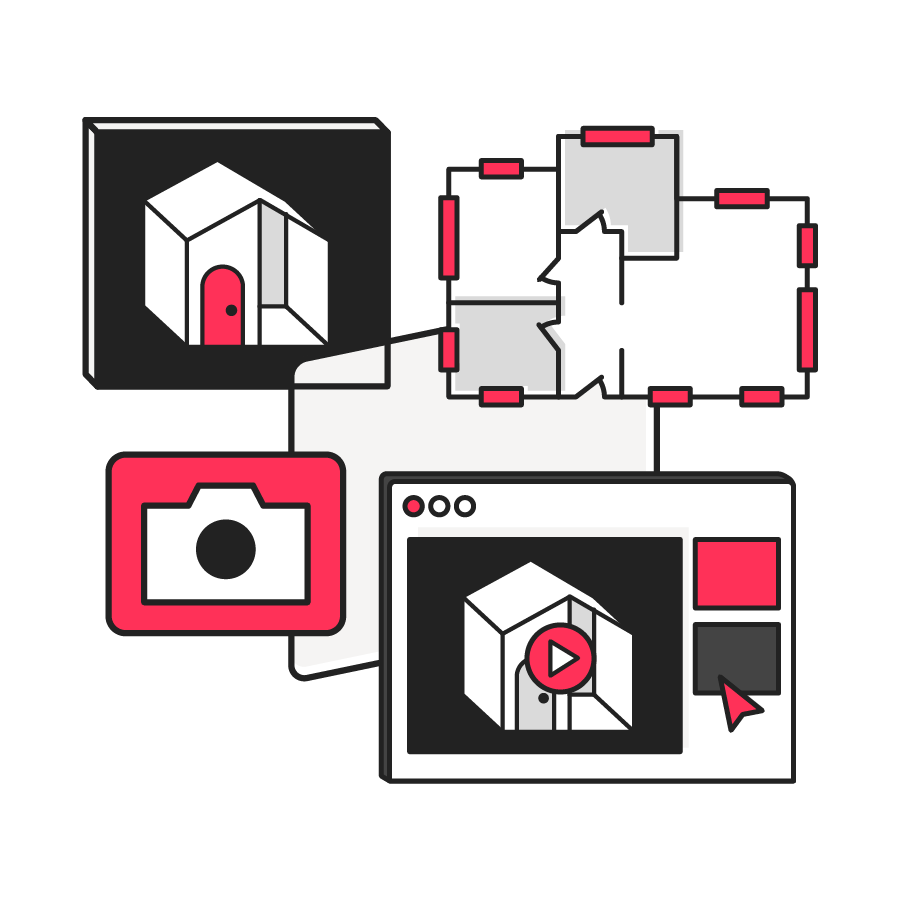
Reduce return visits
No tab switch or return trips; align once, and every comparison view reuses it.
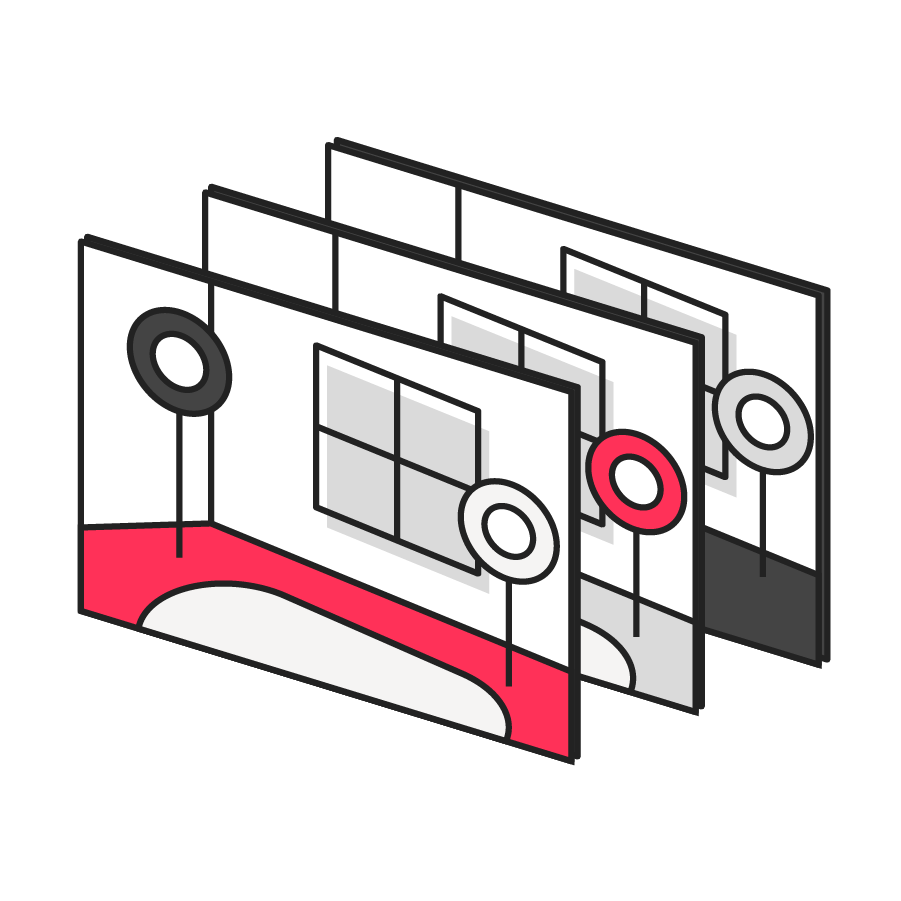
See changes side by side
Compare any two milestones without ever leaving your desk with a tool you can trust.
TO EDIT: Change the class="spacer-3" to any number between 0 (none) and 5 (most) to resize a spacer. Ex. class="spacer-5"
Vertical spacers are responsive and 50% smaller on mobile than on tablet+.
TO SHOW SEPARATOR: Set class="d-block" on hr element
TO HIDE SEPARATOR: Set class="d-none" on hr element
TO EDIT SPACER: Change the class="spacer-3" to any number between 0 (none) and 5 (most) to resize a spacer. Ex. class="spacer-5"
Vertical spacers are responsive and 50% smaller on mobile than on tablet+.
TO EDIT: Change the class="spacer-3" to any number between 0 (none) and 5 (most) to resize a spacer. Ex. class="spacer-5"
Vertical spacers are responsive and 50% smaller on mobile than on tablet+.
 Thank you for registering
In the meantime, explore our previous webinars to learn more about how customers use Matterport to their advantage.

©
Matterport, LLC. All rights reserved.
Matterport, 3D Showcase, Mattertag, and Virtual Walkthrough are registered trademarks of Matterport, LLC. Terms, conditions, features, support, pricing and service options are subject to change without notice. Trademarks and service marks are the property of Matterport, LLC. All rights reserved.