
TO SHOW SEPARATOR: Set class="d-block" on hr element
TO HIDE SEPARATOR: Set class="d-none" on hr element
TO EDIT SPACER: Change the class="spacer-3" to any number between 0 (none) and 5 (most) to resize a spacer. Ex. class="spacer-5"
Vertical spacers are responsive and 50% smaller on mobile than on tablet+.
Build excitement with a headline that's two lines
Talk about what attendees will get out of the event and what they’ll experience that they won’t get anywhere else.
Register Now
TO SHOW SEPARATOR: Set class="d-block" on hr element
TO HIDE SEPARATOR: Set class="d-none" on hr element
TO EDIT SPACER: Change the class="spacer-3" to any number between 0 (none) and 5 (most) to resize a spacer. Ex. class="spacer-5"
Vertical spacers are responsive and 50% smaller on mobile than on tablet+.
TO SHOW SEPARATOR: Set class="d-block" on hr element
TO HIDE SEPARATOR: Set class="d-none" on hr element
TO EDIT SPACER: Change the class="spacer-3" to any number between 0 (none) and 5 (most) to resize a spacer. Ex. class="spacer-5"
Vertical spacers are responsive and 50% smaller on mobile than on tablet+.
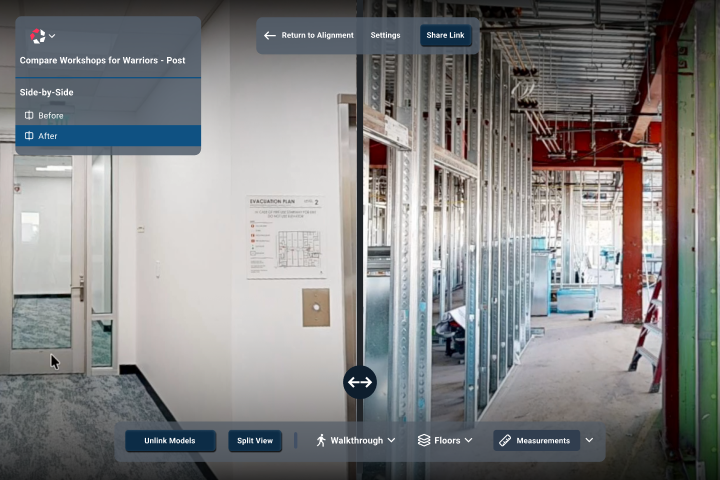
Shop Talk
Looking Back, Forging Ahead
A roundup and review of all the Matterport features released in 2026
TO EDIT: Change the class="spacer-3" to any number between 0 (none) and 5 (most) to resize a spacer. Ex. class="spacer-5"
Vertical spacers are responsive and 50% smaller on mobile than on tablet+.
TO SHOW SEPARATOR: Set class="d-block" on hr element
TO HIDE SEPARATOR: Set class="d-none" on hr element
TO EDIT SPACER: Change the class="spacer-3" to any number between 0 (none) and 5 (most) to resize a spacer. Ex. class="spacer-5"
Vertical spacers are responsive and 50% smaller on mobile than on tablet+.
Wednesday, December 9th
 8:30 am PDT | 11:30 am ET | 4:30 pm GMT
Matterport’s immersive platform is customizable with new features and updates rolled out on a regular basis. In our upcoming webinar, we’ll walk through everything that’s been released in 2026 and answer questions in real time.
Get a refresher as well as new insights about Import E57, Sketch, and more, plus a few features currently in beta, so you can do more with your digital twin in 2027.
Register today.
Meet the team

Amir Frank
Senior Evangelist,
Matterport

Preethy Vaidyanathan
VP, Product,
Matterport

Nicole Coddington
Head of Product Design,
Matterport

Raghu Munaswamy
Director of Project Management,
Matterport

Irene Wangpataravanich
Senior Project Manager,
Matterport

Christian Watson
Product Management Director,
Matterport
TO EDIT: Change the class="spacer-3" to any number between 0 (none) and 5 (most) to resize a spacer. Ex. class="spacer-5"
Vertical spacers are responsive and 50% smaller on mobile than on tablet+.
TO SHOW SEPARATOR: Set class="d-block" on hr element
TO HIDE SEPARATOR: Set class="d-none" on hr element
TO EDIT SPACER: Change the class="spacer-3" to any number between 0 (none) and 5 (most) to resize a spacer. Ex. class="spacer-5"
Vertical spacers are responsive and 50% smaller on mobile than on tablet+.
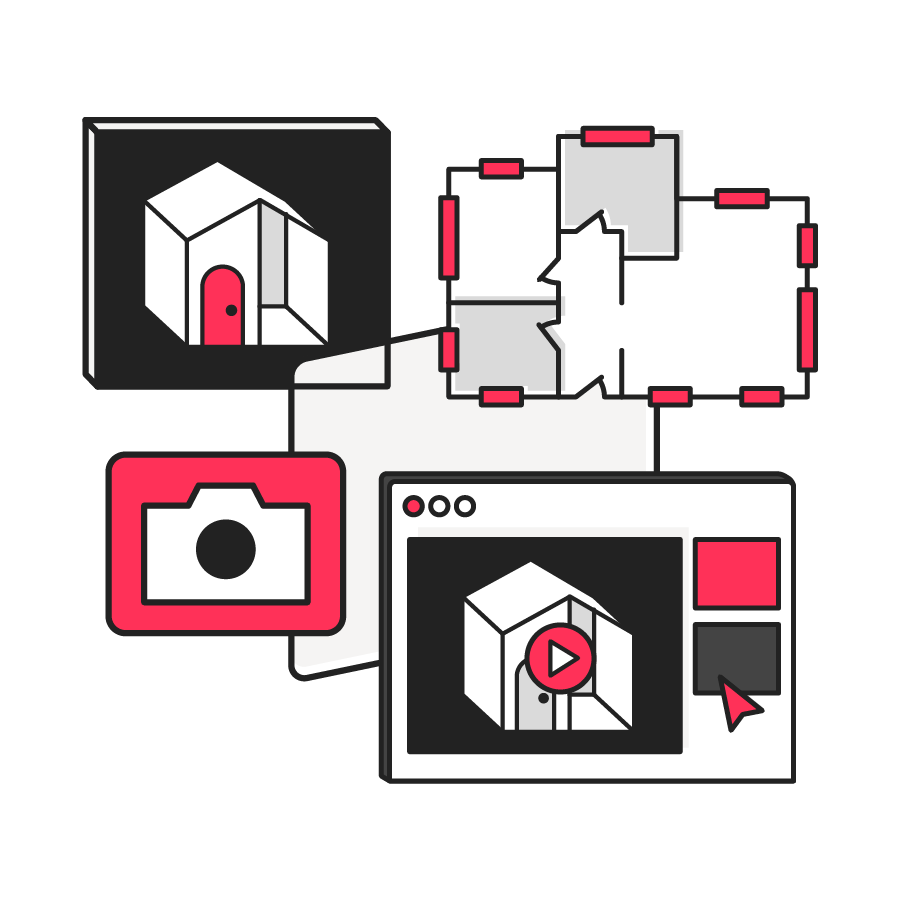
Digital twin customization
Create a fully immersive virtual experience by implementing features that uniquely highlight your business.

Your platform feature questions answered
Get information about how to integrate the latest Matterport features into your current workflow.
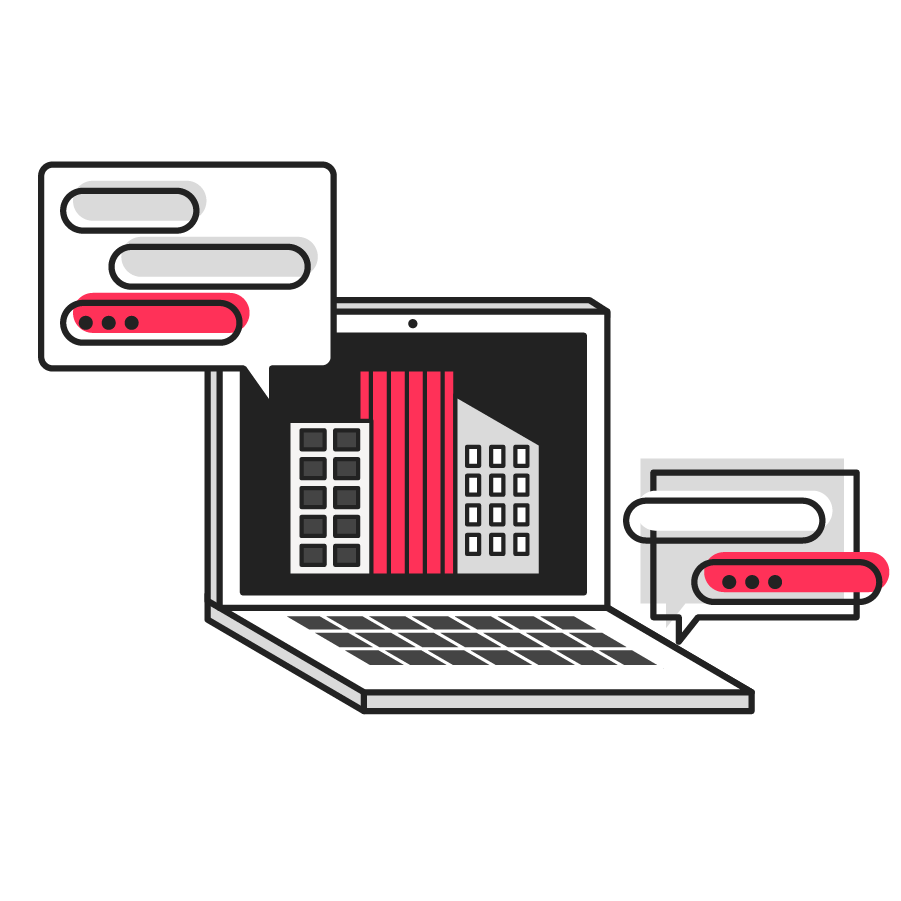
Merge Spaces and more
Stay in the know about newly released features plus those currently in beta mode.
TO EDIT: Change the class="spacer-3" to any number between 0 (none) and 5 (most) to resize a spacer. Ex. class="spacer-5"
Vertical spacers are responsive and 50% smaller on mobile than on tablet+.
TO SHOW SEPARATOR: Set class="d-block" on hr element
TO HIDE SEPARATOR: Set class="d-none" on hr element
TO EDIT SPACER: Change the class="spacer-3" to any number between 0 (none) and 5 (most) to resize a spacer. Ex. class="spacer-5"
Vertical spacers are responsive and 50% smaller on mobile than on tablet+.
TO EDIT: Change the class="spacer-3" to any number between 0 (none) and 5 (most) to resize a spacer. Ex. class="spacer-5"
Vertical spacers are responsive and 50% smaller on mobile than on tablet+.
 Thank you for registering
In the meantime, explore our previous webinars to learn more about how customers use Matterport to their advantage.

©
Matterport, LLC. All rights reserved.
Matterport, 3D Showcase, Mattertag, and Virtual Walkthrough are registered trademarks of Matterport, LLC. Terms, conditions, features, support, pricing and service options are subject to change without notice. Trademarks and service marks are the property of Matterport, LLC. All rights reserved.